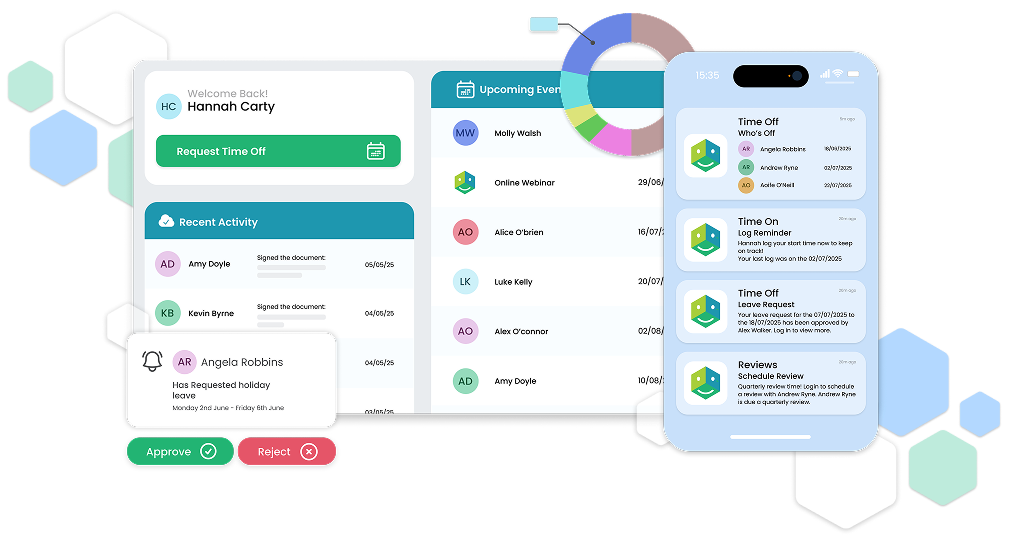


HR Software
HR Software That Saves Time and Keeps Your Team Connected
Stop wasting hours on repetitive admin. HRLocker automates the day‑to‑day tasks that take up your time so you can focus on looking after your people and helping them do their best work.
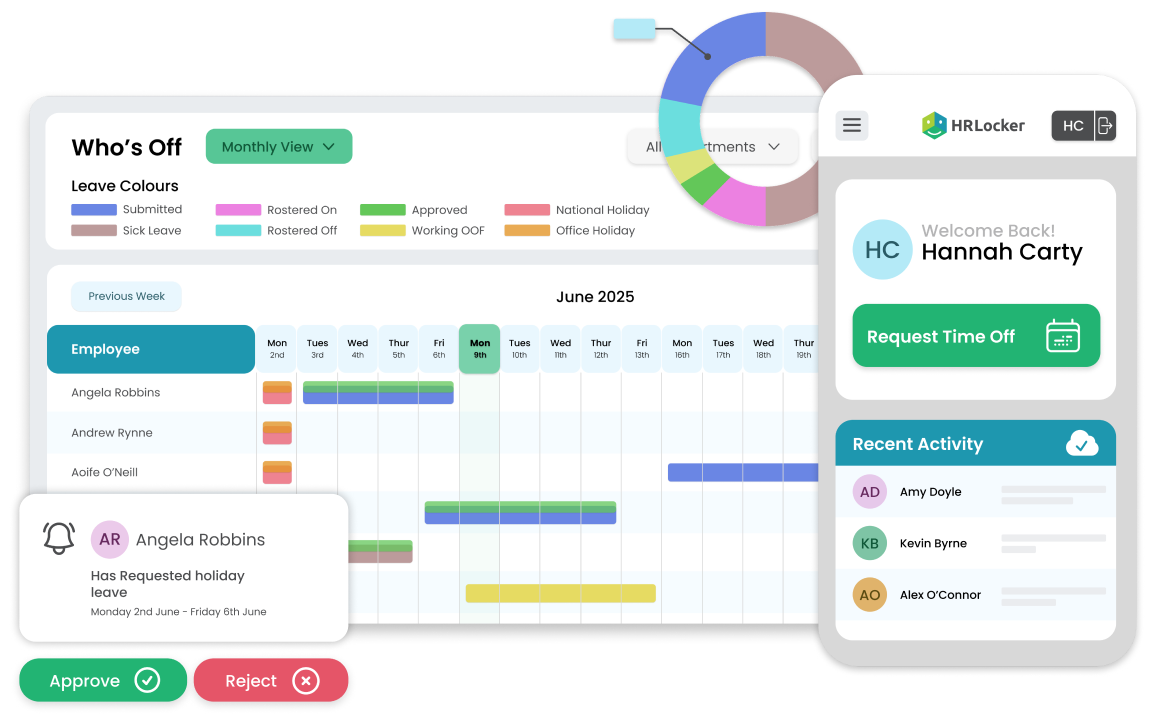
Maximise Team Engagement with Self-Service and Automation
Trusted by over 100,000 users in 55 countries worldwide






Maximise Team Engagement With Self‑Service and Automation
.svg)
%20(5).svg)
.svg)
.svg)
.svg)
.svg)
Eliminate Mundane Tasks From Your Daily Routine
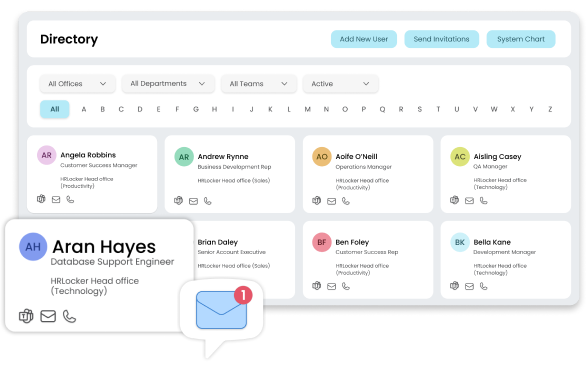
Centralise employee data
HRLocker is your single source of truth, giving you a comprehensive, user-friendly employee information database for all your records.
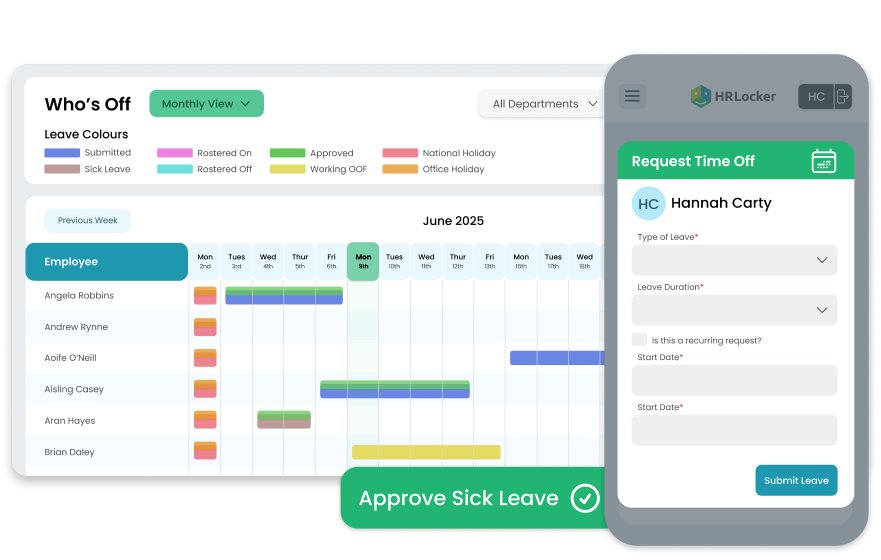
Give employees their own self-service portal
Give your team more autonomy with their own HRLocker account so they can request time off, manage their personal information and more.
.png?width=2000&name=Reduce%20Recruitment%20Costs%20and%20Onboarding%20Time%20(8).png)
Reduce recruitment costs and onboarding time
Create job postings, share them on job boards and manage applications. Screen, interview and onboard candidates — all in one central location — with HRLocker Recruit.
.png?width=2000&name=Easily%20Manage%20Training%20and%20Development%20and%20Courses%20(4).png)
Track certifications and qualifications
Track professional qualifications and certifications with HRLocker. Get automated reminders for expiry dates and download certificates when you need them.
.png?width=2000&name=Engage%20Your%20Remote%20Employees%20For%20Lower%20Churn%20Rates%20(5).png)
Engage your team with check‑ins
When people feel connected, they’re more likely to stay. Use check‑ins to keep regular conversations going, set goals and record progress so you can support development.
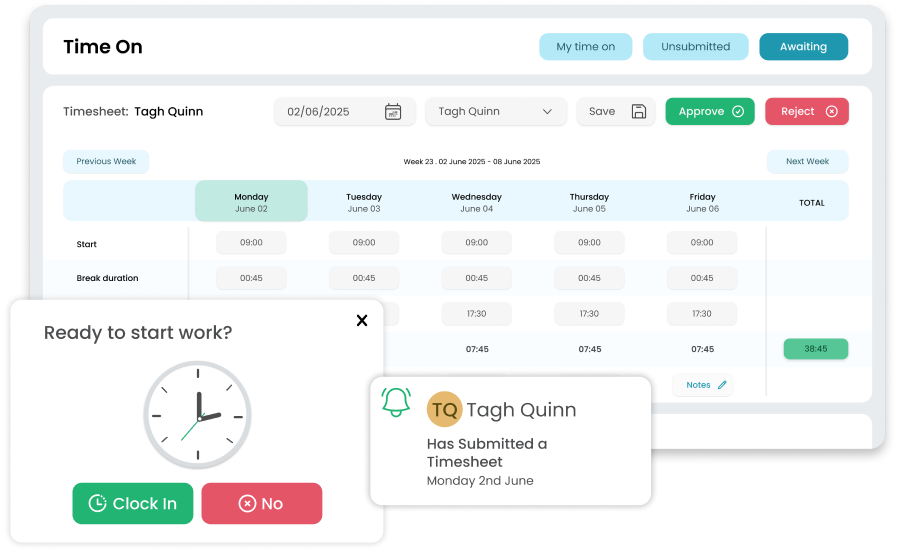
Use our timesheets & project tracking feature
Stop relying on spreadsheets for time management. HRLocker lets employees record their hours and lets you see exactly where time is being spent across your business. Track project time, manage leave and get reports on total hours.
What Our Customers Say

The ability to log different types of leave and complete performance reviews online has completely transformed the way we work.

Kelly Uphill
Chief People Officer
Healthcare21
Thanks to HRLocker, all our documentation is organised, signed, and compliant, including GDPR, health and safety, and company policies.

Lynne Oglesby
Director of Finance & Operations
NYCI
There are no more messy and time-consuming email trails. We can pull reports on all aspects of the system and employees as well.

Ruth Hennelly
Managing Director
Hennelly Finance
Having instant access to everything I need, combined with streamlined communication, has made my day-to-day work significantly easier.

Dawn Tudberry
Group HR Manager
Gusto Group
With HRLocker, we can easily manage all our HR needs across three countries through one straightforward and user-friendly system.

Shane Mansell
Director
ResNet
HRLocker makes it simple for both staff and management to manage leave, store key documents, and generate reports all in one place.

Hilary Dempsey
HR Manager
Life Credit Union